How to Download Catalogs Freely
|
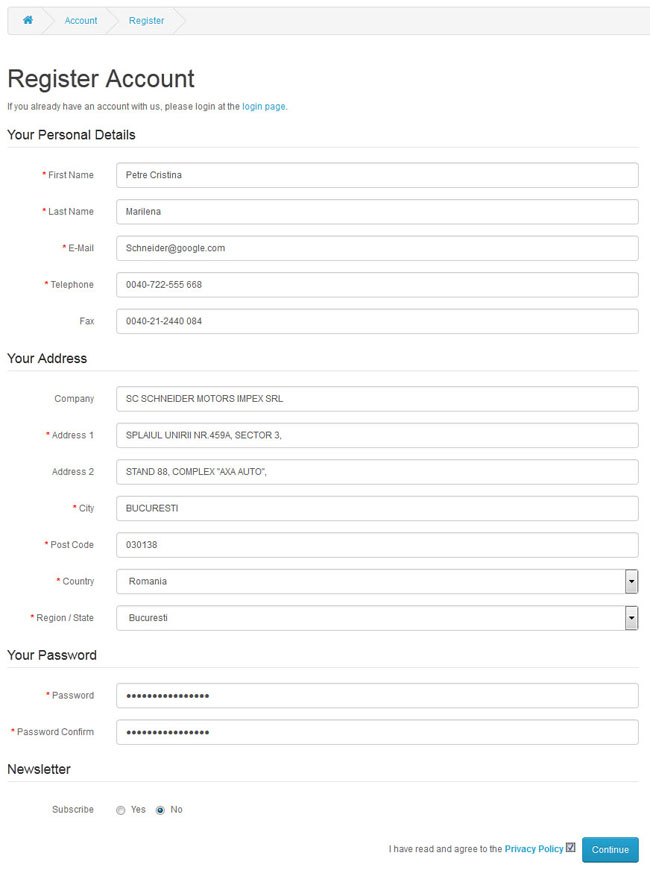
How to Download Parts List Freely Please make sure you have login your account, or you should create an account:
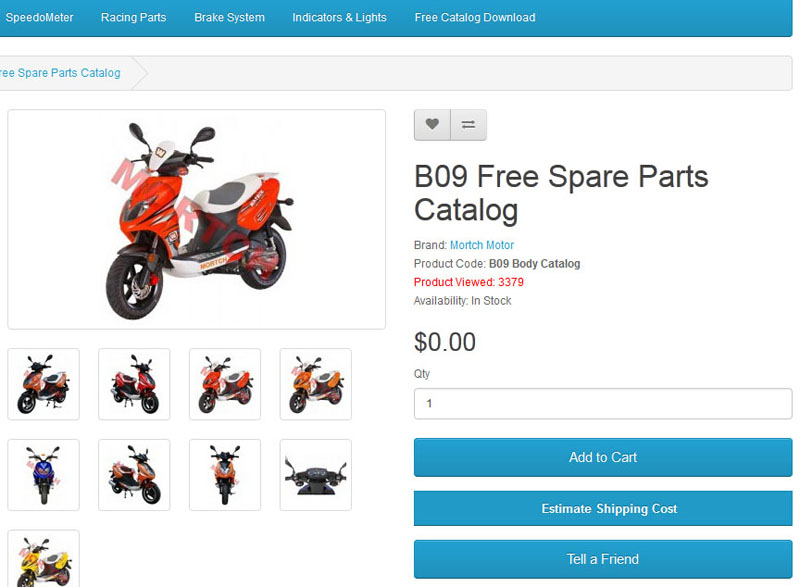
Login your account, select the Catalog which you need,
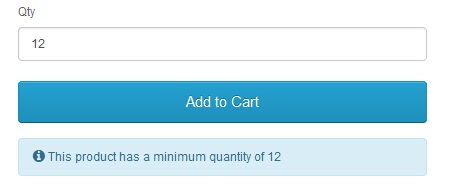
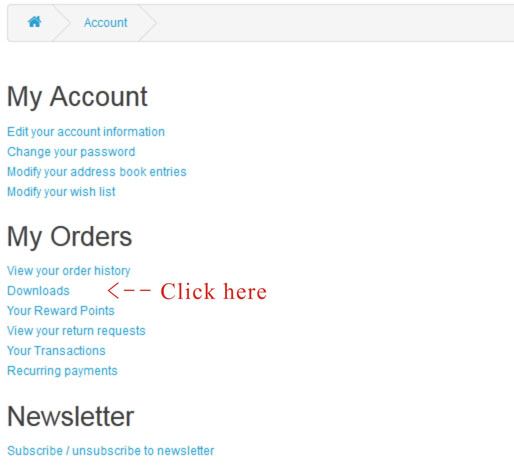
You will find the items in your "SHOPPING CART", after you click After you select all the catalog you need, please click "Checkout" for Confirm the order. After you "Confirm" the order, please click "Account".
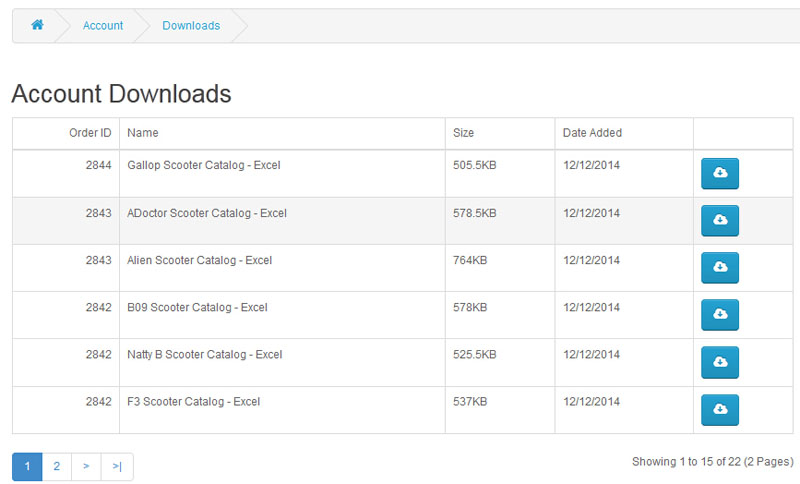
You can "Download" all the catalogs you have selected.
Please make sure you have Excel in your computer. All the catalogs are made by Excel. |