
How to Place Order
Step by Step Guide
1
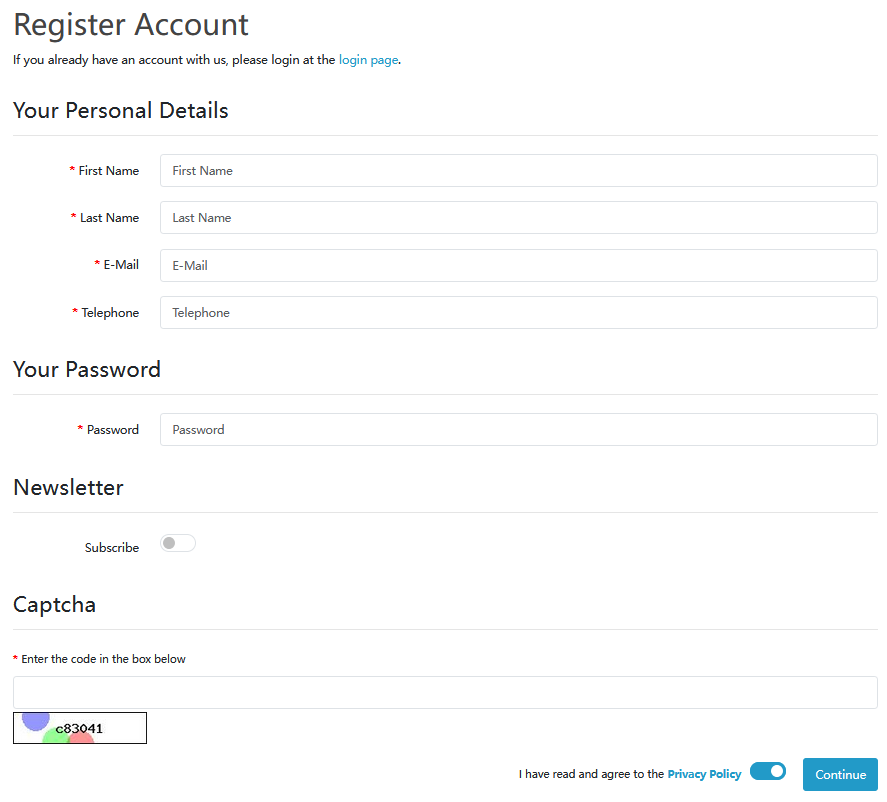
Login or Create Account
Start by logging into your existing account. New customer? Create your account here.
2
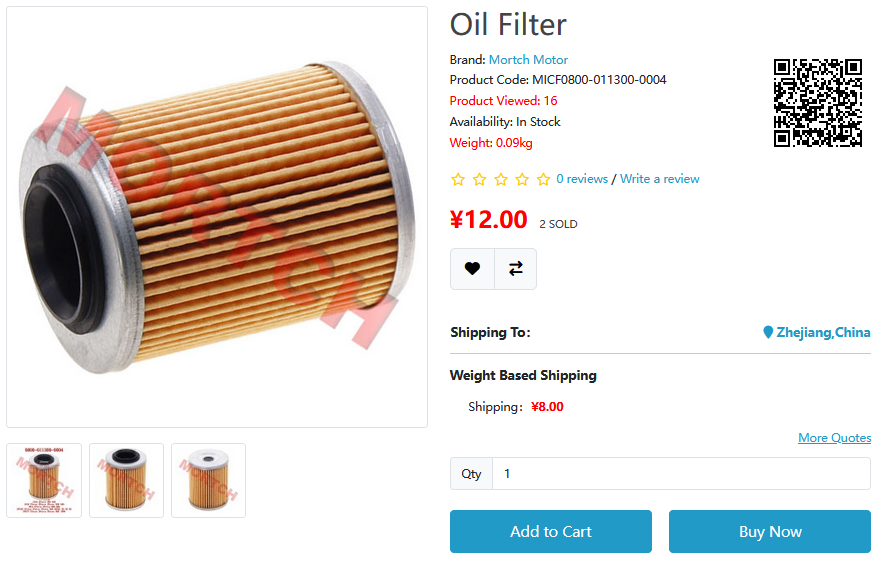
Add Products to Cart
Browse products and select the quantity you need, then click “Add to Cart”.
Quick Option:
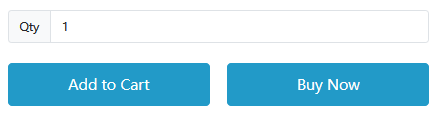
Use “Buy Now” to proceed directly to checkout for single items.
3
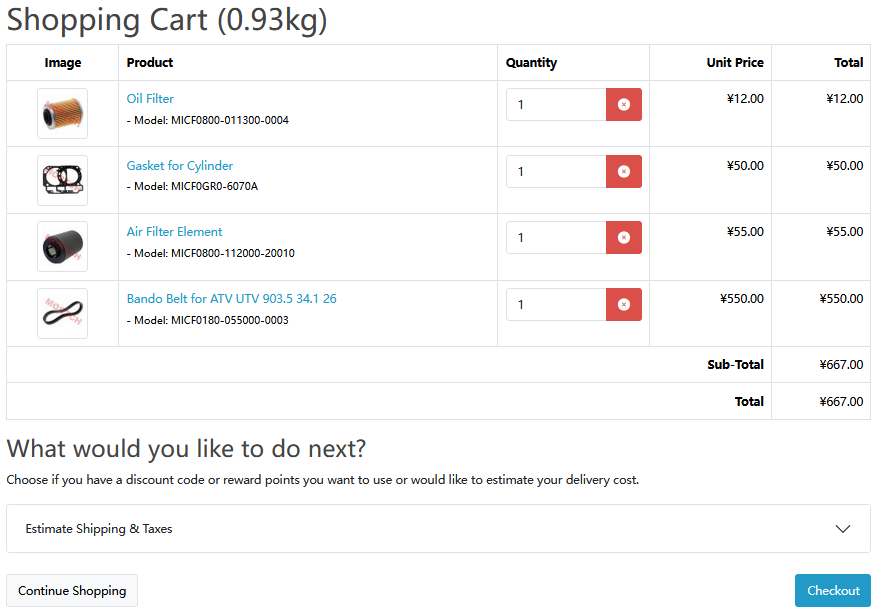
Review Your Shopping Cart
Go to your Shopping Cart to review items and adjust quantities if needed.
4
Proceed to Checkout
Click Checkout to complete your order.
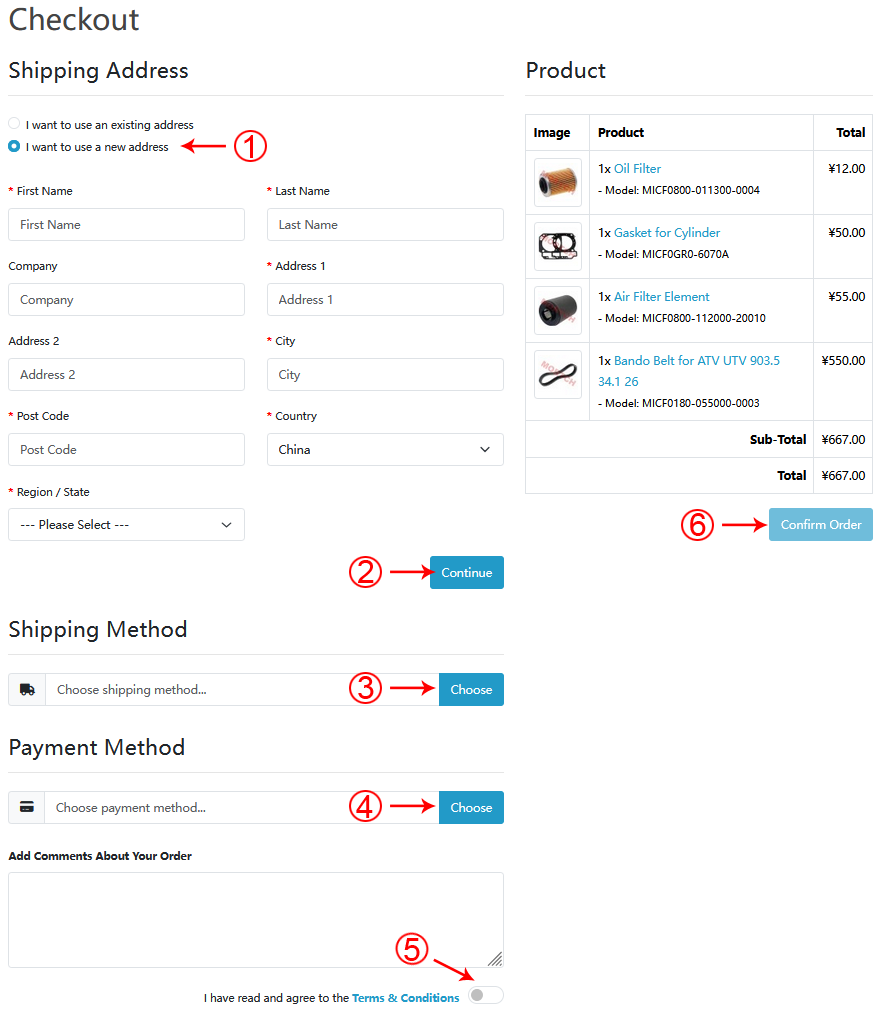
Important:
Please select your preferred Delivery Method and Payment Method, then click “Confirm Order”.
5
Order Confirmation
We will send you an email to reconfirm your order details. Please check your inbox.
Confirmation email arrives within minutes
Need Help?
Contact our customer service for assistance with your order.
Contact Support